


How to Choose a Shopify Theme That Fits Your Brand
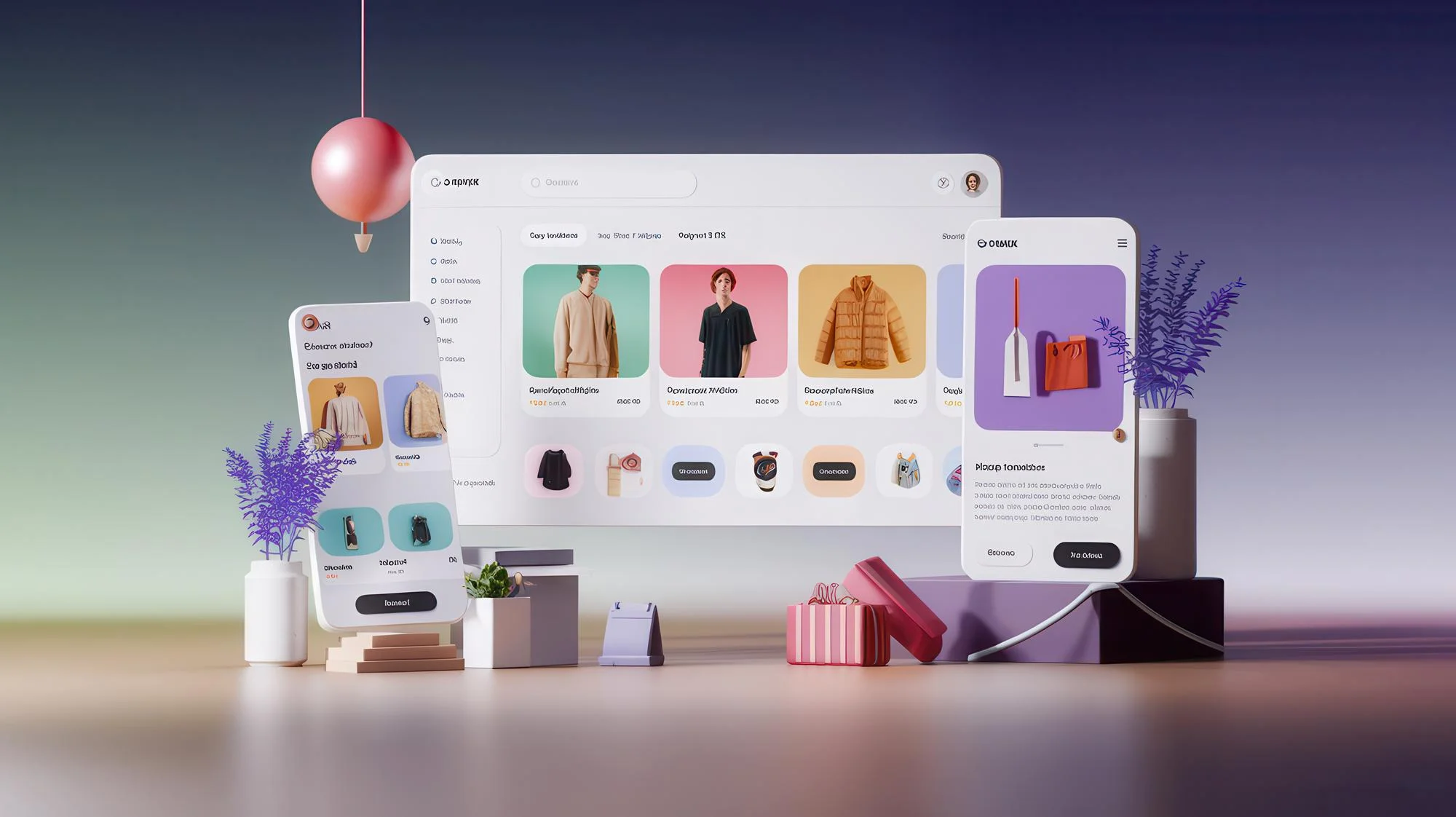
Your online store is often the first thing a customer sees of your business. Before they read a single product description, they have already formed an opinion from the colours, layout and feel of the page. That is why the design you pick matters so much. With hundreds of Shopify themes to choose from, it is easy to feel lost, so this guide will help you decide with confidence.
Why Your Theme Matters More Than You Think
A theme is not just about looks. It shapes how easily people browse, how quickly pages load and how confident shoppers feel while paying. A well-chosen design can:
-
Build trust at first glance
-
Make products easier to find
-
Improve mobile shopping
-
Support your search engine visibility
-
Reflect your brand personality
A poor choice can do the opposite. Slow pages, cluttered menus and mismatched styling can push visitors away within seconds.
Start With Your Brand Identity
Before browsing any designs, be clear about who you are. Ask yourself a few simple questions.
-
What is my brand personality: luxurious, playful, minimal or traditional?
-
Who is my ideal customer, and what do they expect?
-
Which colours and fonts are already part of my logo and packaging?
-
What feeling should shoppers have when they land on my store?
A handmade jewellery brand needs a soft, image-rich design. A store selling electronics may need a clean layout with detailed product specifications. Your brand should guide the design, not the other way around.
Know Your Product Range and Catalogue Size
The number and type of products you sell should influence your choice.
-
Small catalogue (under 20 products): Pick a design that highlights large images and storytelling.
-
Medium catalogue: Look for neat collection pages and good filtering.
-
Large catalogue: You need strong navigation, mega menus, search and filters.
-
Single product store: Choose a one-product layout that focuses on the offer.
Visual products such as fashion and decor need big, beautiful photography. Technical products need space for comparisons and details.
Free or Paid: What Should You Pick?
Both options have their place. Here is a simple comparison.
-
Free options: Good for new stores with small budgets. They are clean, reliable and officially supported, though customisation can be limited.
-
Paid options: Usually offer more layouts, advanced features and dedicated support. They suit growing brands that want a more unique look.
Many successful stores begin with a free design and upgrade later, once sales justify the investment.
Features Worth Checking Before You Decide
Do not choose only because a demo looks attractive. Look closely at what the design can actually do.
-
Mobile responsiveness: Most shoppers browse on phones, so test the demo on your own device.
-
Page speed: Slow stores lose customers and rank lower in search results.
-
Customisation options: Check whether you can change colours, fonts, sections and layouts without coding.
-
Navigation and menus: Customers should reach any product within a few taps.
-
Product page layout: Look for zoom, multiple images, reviews, size guides and clear buttons.
-
Cart and checkout support: A smooth path to payment reduces abandoned carts.
-
App compatibility: Make sure it works with the apps you plan to use.
-
Language and currency support: Important if you sell in different regions.
Pay Attention to Speed and SEO
A beautiful store that loads slowly will not sell. Heavy animations, large sliders and too many scripts can slow things down. Choose a lightweight option and test the demo with a free speed tool.
Also check that the design supports good search practices, such as clean heading structure, editable page titles and meta descriptions, and image alt text. These small details help your products appear in search results.
Test the Demo Like a Real Customer
Almost every theme offers a live demo. Use it properly.
-
Browse on both mobile and desktop
-
Click through menus, filters and product pages
-
Add an item to the cart and go through checkout
-
Note how long pages take to load
-
Read the reviews and update history from other store owners
Remember that demo stores use professional photography. Preview the design with your own images before deciding.
Think About Future Growth
Your business will not stay the same for ever. Choose a design that can grow with you.
-
Can you add new collections or sections easily?
-
Does the developer release regular updates?
-
Is support available when something breaks?
-
Can the layout handle more products later?
Switching later is possible, but it takes time and effort, so a flexible choice saves trouble.
Common Mistakes to Avoid
-
Picking a design only because it looks impressive in the demo
-
Ignoring mobile performance
-
Using too many fonts and colours
-
Overloading the homepage with banners and pop-ups
-
Forgetting accessibility, such as readable text and good contrast
-
Skipping a test of the checkout flow
Conclusion
The best design is the one that suits your brand, loads fast and makes buying easy. Take your time, test properly and pick with your customer in mind. If you need expert help with your online presence, reach out to Cortex Media Marketing Pvt Ltd, a digital marketing agency in Anna Nagar West, Chennai.